
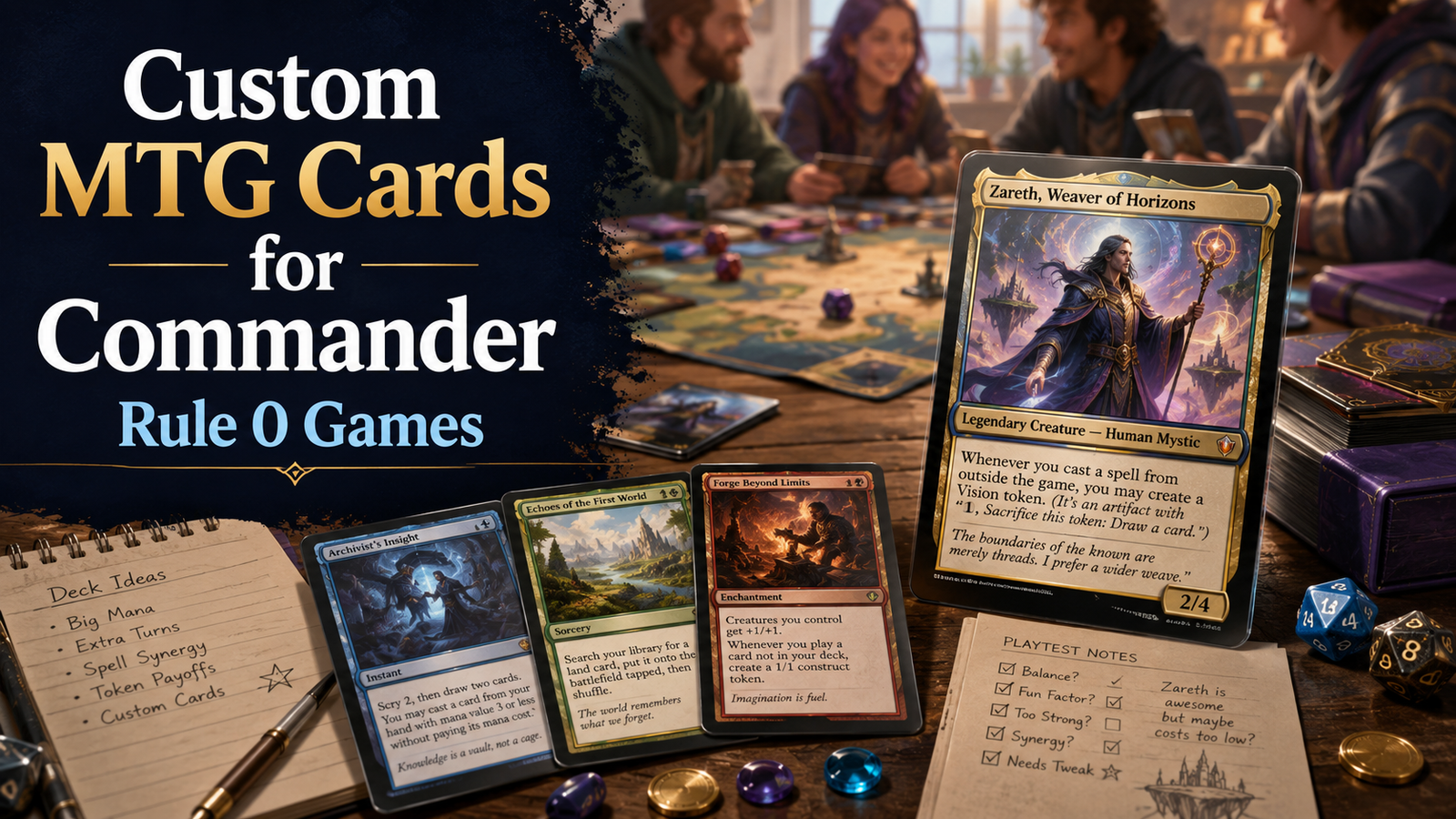
Custom MTG cards for Commander are best when they are clear, fair, and approved before the game starts.
Start with a Rule 0 conversation, then design one card with one job. Keep the wording short, use a card template that matches the role, and test the card before printing a full deck around it.
The goal is not to sneak a custom card into a normal Commander pod. The goal is to make something your group actually wants to play against.
A custom Commander card can be a great idea right up until it reads like a three-page tax form and wins on turn four.
That is the real challenge with custom MTG cards for Commander. The fun part is easy. You get to make a new legendary creature, build a strange theme, design a missing token, or turn an inside joke from your playgroup into a real-looking card. The hard part is making that card readable, balanced, and acceptable at the table.
Commander is already built around expression. You choose a commander, build around color identity, and play a social multiplayer game where the experience matters as much as the win. Custom cards push that idea further, but they also ask more from your group. A custom card is not just another deck choice. It changes the agreement at the table.
So the better question is not “Can I make custom MTG cards for Commander?” You can. The better question is: “How do I make custom MTG cards for Commander that my friends will actually want to play with?”
Here’s the practical version.
Custom MTG cards for Commander work best when they solve one specific problem or add one clear experience.
Maybe your group wants a silly commander for a one-night theme game. Maybe you want a custom token that is easier to read than dice on a sleeve. Maybe you want to build a commander around a mechanic Wizards has not supported enough. Or maybe your playgroup has a running joke that deserves cardboard.
Those are all good uses.
The trouble starts when a custom card tries to become everything at once: card advantage, ramp, removal, combo piece, protection, and win condition. At that point, you are not making a card. You are making a small government.
A good custom Commander card should answer one question:
What kind of game does this card help create?
If the answer is “a slower graveyard value game,” great. If the answer is “a goofy Food deck where everything is a sandwich,” also great. If the answer is “I want my commander to draw cards, tutor, make Treasures, and be hard to remove,” take a step back.
Commander players can forgive strong cards. They have a harder time forgiving cards that feel self-serving.
Before you design the card, talk to your group.
Rule 0 is the pregame agreement that lets Commander players adjust expectations before a game starts. It covers power level, banned cards, proxies, silver-border or acorn-style cards, unusual commanders, and custom cards.
A custom card needs that conversation more than almost anything else.
Here is a simple script:
“I’m testing a custom commander tonight. It is meant to be around precon-plus power, not cEDH. It makes tokens and draws a little, but it does not tutor or combo by itself. Are you okay if I play one game with it? I have a normal commander ready if not.”
That last sentence matters. Always have a backup.
A custom card should be an invitation, not a demand. If one person at the table is not into it, switch decks. No debate needed. You can test the card later with a pod that wants that kind of game.
The card’s role should come before the frame, art, flavor, or name.
Start with one of these roles:
| Custom card role | Best use | Watch out for |
|---|---|---|
| Custom commander | Building a whole deck around a new idea | Too many abilities in the command zone |
| Custom token | Making board states easier to track | Overdesigned text that slows play |
| Custom proxy | Testing a real card before buying it | Confusing art or unclear card identity |
| Custom silver-box card | Joke games and theme nights | Jokes that stop being fun after one game |
| Custom cube card | Filling a draft archetype gap | Cards that only one drafter understands |
For MTG.cards, this is where the tool fit is clean. A modern frame works for most custom commander designs. A vintage-style frame can be fun for old-school cards or cube pieces. Full-art and showcase-style templates are better when the card is meant to feel special, but they should not come at the cost of readability.
Design is not just how the card looks. It is how fast the table understands what the card does.
The fastest way to make a custom card feel fake is to write rules text that sounds almost like Magic, but not quite.
Use real card wording whenever possible. If your card creates a Treasure token, copy the normal wording style. If your card triggers when a creature dies, use “Whenever a creature dies” instead of inventing a new phrase. If your card cares about casting your second spell each turn, look at real cards that use that structure.
This does two things.
First, it makes the card easier to understand. Commander already has enough board complexity without everyone stopping to translate your homemade wording.
Second, it keeps the power level easier to judge. A small wording change can accidentally make a card much stronger. “Whenever you cast a spell” and “Whenever you cast your second spell each turn” are not close. One is a value engine with a seatbelt. The other is asking for trouble.
A good rule: if the card needs a paragraph of explanation after someone reads it, simplify it.
Custom commanders are harder to balance than custom cards in the 99.
A card in the 99 has to be drawn. A commander is always available. That means even a modest ability can become a problem if it starts every game in the command zone.
Here are the biggest danger signs:
None of those are automatically banned from fun. But each one raises the power level.
For most casual custom MTG cards for Commander, start lower than you think. A card can always be buffed later. It is much harder to convince your friends that the obviously busted first version deserves another chance.
A fair custom commander usually has one main engine and one small support ability. For example:
Those are not final designs, but they show the shape. One trigger. One reward. Clear limits.
Commander Brackets are useful because they give players better language for the game they want. You do not need to turn your custom card into a spreadsheet, but you should be able to say where it roughly belongs.
For most custom cards, aim for social Commander first.
That usually means no fast mana loops, no easy infinite combos, no repeated mass land denial, and no commander that wins too quickly without help. If your group likes higher-power games, that is fine. Just say it clearly before the game starts.
A custom card for a relaxed Bracket 1 or Bracket 2 style game should be more about theme than raw efficiency. A Bracket 3-style card can be stronger, but it still should not hide what it is doing. A Bracket 4 or cEDH-style custom card is a very different project, and most casual groups will not want to test against it without warning.
This is the honest test:
Would I still think this card is fair if someone else sat down and played it against me?
If the answer is no, adjust the card.
Commander board states get crowded. That means custom card readability matters more than people think.
A readable card has:
The biggest mistake is shrinking the text box until the card technically fits. Technically fitting is not the same as being readable. If you need tiny text, the card is probably doing too much.
Try this test: show the card to someone for ten seconds, then ask what it does. If they can explain the basic idea, you are close. If they squint and start rereading from the top, simplify.
And yes, flavor text is fun. But on a custom commander, rules clarity comes first. Save the quote for a simpler card if the text box is already full.
Do not print 100 cards around an untested custom commander.
Start with one paper test card in a sleeve. Play three to five games. Pay attention to what actually happens, not what you hoped would happen.
Ask the table these questions after each game:
That last question is the one that matters most.
A custom card does not need to be perfectly balanced after one game. Real Magic cards miss too. But if the table agrees the card made the game worse, listen.
Small changes usually work better than full rewrites. Add “once each turn.” Raise the mana cost by one. Change “draw a card” to “scry 1.” Make the trigger care about “one or more” instead of every single object. These small edits can fix a lot.
Use this framework before you build the card in MTG.cards.
Write the theme in one sentence.
Example: “A blue-red commander that rewards copying cheap instants without going infinite too easily.”
Decide what the card does for the deck.
Example: “It is a value commander, not a combo commander.”
Add one safety valve.
Example: “The draw trigger happens only once each turn.”
Price the card like it will always be available.
Example: “Four mana instead of three because the deck wants to cast it every game.”
Explain the card to your group before the game.
Example: “This is meant to play like a spellslinger precon upgrade, not a storm deck.”
That framework keeps the design honest. It also makes the Rule 0 conversation easier because you can explain the card in normal language.
The most common mistake is making the card too complicated. New custom designers often load one card with every cool idea they have. That usually creates a card that is hard to read and harder to balance.
Another mistake is copying the power level of famous pushed cards. If your custom commander starts to look like Chulane, Korvold, Yuriko, or Kinnan with extra steps, your group will notice.
Also avoid fake downside design. “Each opponent gains 1 life” is not a real downside on a card that draws you three cards a turn. “This enters tapped” is not a meaningful drawback on an engine that takes over the whole game.
And be careful with inside jokes. A joke card is great for one night. It may not be great for a deck someone brings every week.
Before you shuffle up with custom MTG cards for Commander, check these points:
That last point is the spirit of the whole thing. Custom cards are not finished just because they look finished. They are finished when they create the game your group wanted.
Custom MTG cards are not legal in normal Commander by default. They are a casual Rule 0 option, which means the table should agree before the game starts. For sanctioned events, use official event rules and ask the organizer.
You can use a custom commander only if your playgroup agrees before the game. It is best to bring a legal commander in the same colors as a backup.
A modern legendary creature template is usually the best choice because it reads cleanly and feels familiar. Showcase, vintage, and full-art templates can work well for theme decks, cube cards, or special one-off designs.
For most groups, start around upgraded precon power. Make the card slightly weaker than your first instinct, then improve it after testing if it needs help.
Yes. Real Magic wording makes custom cards easier to understand and easier to balance. Use existing cards as wording references whenever possible.
You can, but test the key custom cards first. Printing a full deck before playtesting can lock in design problems that would have been easy to fix earlier.
Custom MTG cards for Commander are at their best when they feel like a shared project, not a loophole.
Start with the table. Pick one clear idea. Use simple wording. Keep the power level honest. Then test the card in real games and adjust it based on what happens.
That process may sound less exciting than building a mythic rare monster on the first try, but it leads to better games. And in Commander, that is the whole point.