
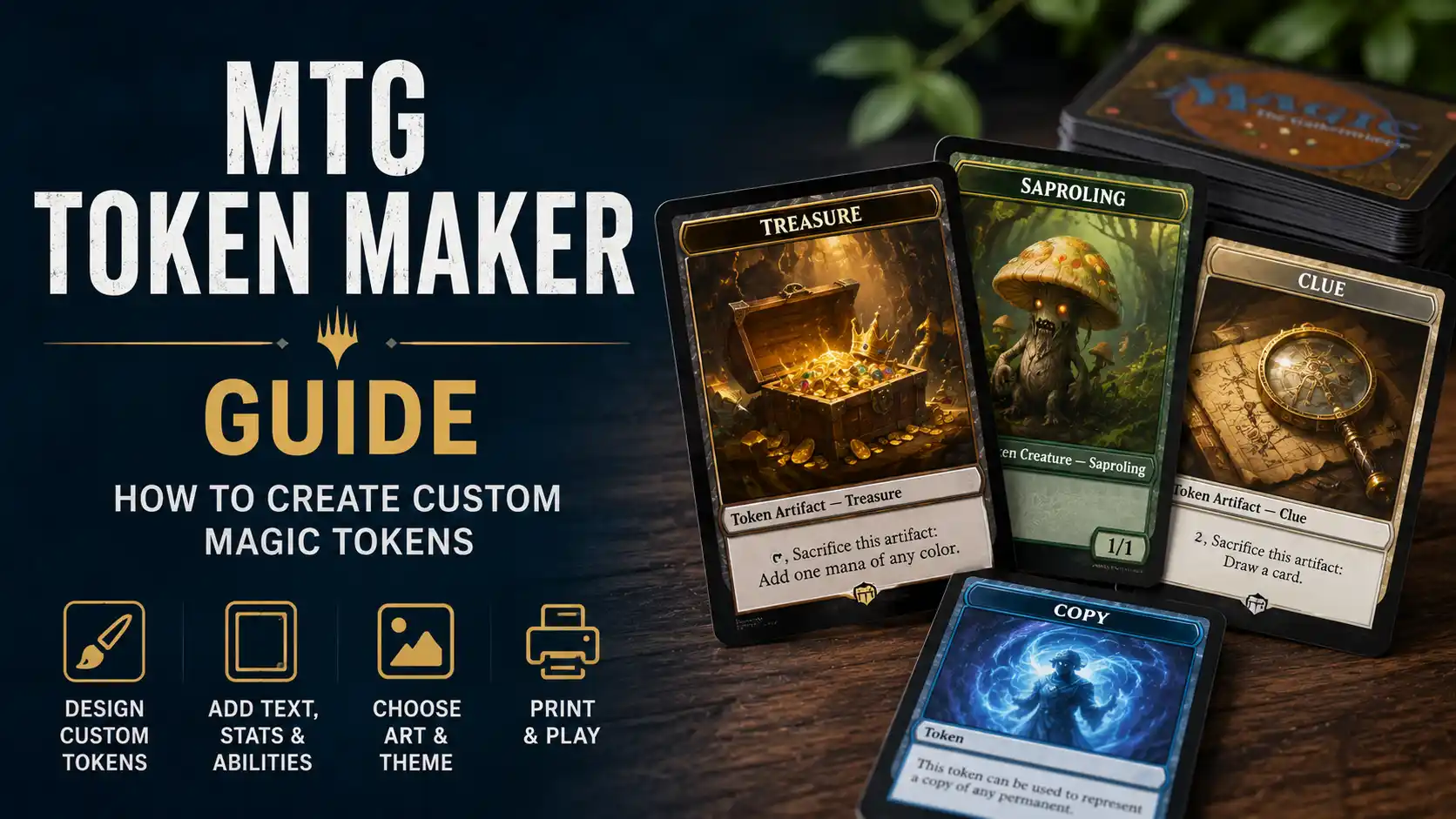
Custom Magic tokens are one of the easiest ways to make a deck feel more personal without changing a single card in the 99. They also solve a very practical problem: many MTG decks create five different token types, and somehow the only token you can find is a 1/1 Goblin from a draft night in 2012.
An MTG token maker lets you create custom creature tokens, Treasure tokens, Clue tokens, Food tokens, copy tokens, emblems, and reminder cards for your decks. You can make them funny, thematic, clean, highly readable, or matched to a specific Commander deck. The best tokens do not just look cool. They make the board easier to understand.
This guide walks through how to create custom Magic tokens, what information to include, what size to use, how to design them for gameplay, and how to prepare them for printing.
An MTG token maker is a design tool or workflow for creating custom Magic: The Gathering token cards. Some tools work like a card editor, where you enter the token name, type line, stats, abilities, and art. Others are more print-focused and help you turn a finished design into a clean physical card.
If you want a card-style workflow, the PrintMTG card maker is useful because it is built with printing in mind, not just screen previews. That matters because a token can look fine on a monitor and still print too dark, too soft, or too crowded once it is card-sized. PrintMTG’s page specifically positions the tool for custom MTG cards and tokens, including clear names, stats, and print-ready results.
You can also use a broader custom card tool such as MTG.cards if you want to create Magic-style cards and custom concepts in a browser-based workflow. That kind of tool is especially useful for fan-made cards, custom commanders, cube cards, and theme-driven tokens.
Before choosing art or layout, define what the token actually needs to do in the game. Tokens are not just decorations. They represent permanents, copies, emblems, or game objects that players need to track clearly.
Common Magic token types include:
Creature tokens
Artifact tokens
Treasure tokens
Clue tokens
Food tokens
Blood tokens
Map tokens
Copy tokens
Emblems
Role tokens
Dungeon or initiative helper cards
Day and night reminder cards
Keyword reminder cards
For rules questions or unusual token interactions, Wizards of the Coast’s Comprehensive Rules are the official place to check. Wizards describes the Comprehensive Rules as the reference document for Magic’s rules and corner cases, which makes it the right source when a token interaction gets weird.
For everyday deckbuilding, though, you usually do not need to read the rules document like a novel. You need the token name, type, color, stats, and abilities to match what your cards create.
The token name should match the game object as closely as possible. If a card creates a “1/1 white Soldier creature token,” the token should clearly say Soldier. If it creates a “2/2 black Zombie creature token,” do not label it “Undead Guy” unless your playgroup enjoys clarifying basic board states every turn.
For creature tokens, include:
Token name
Creature type
Color
Power and toughness
Keyword abilities
Any special rules text
For noncreature artifact tokens, include the token name and rules text. Treasure, Clue, Food, Blood, and Map tokens all have functional text players may need to reference, especially newer players or guests using your deck.
Scryfall is a strong reference for checking official token wording and token variants. Its token search indexes thousands of token-related entries, and it is useful when you want to confirm how official tokens are named, typed, and formatted.
The type line is one of the most important parts of a token. It tells players what the token is for gameplay purposes.
A creature token type line might look like:
Token Creature — Zombie
Token Creature — Soldier
Token Creature — Goblin Warrior
Token Artifact Creature — Thopter
Token Enchantment Creature — Spirit
For noncreature tokens, the type line might be:
Token Artifact — Treasure
Token Artifact — Clue
Token Artifact — Food
Token Artifact — Blood
Token Artifact — Map
Do not skip the type line just because the art makes it obvious. Art does not replace rules clarity. A 2/2 Cat token with adorable art is still easier to play with when the card says “Token Creature — Cat” in the right place.
Creature tokens need visible power and toughness. Put the stats in the lower right corner or another consistent position where players expect to find them.
This matters most when a deck creates several similar tokens. A Commander deck might create 1/1 Soldiers, 2/2 Knights, 4/4 Angels, and 0/1 Plants. If the numbers are too small or buried in the design, the board becomes harder to read.
A good token should be readable from across the table. The owner should not have to pick up every card to explain what it is. That gets old quickly in token-heavy decks, and token-heavy decks already test everyone’s patience in charming little ways.
If the token has flying, vigilance, trample, lifelink, deathtouch, haste, menace, reach, first strike, or any other keyword, include it clearly.
A 1/1 white Spirit creature token with flying should not just say “Spirit.” Flying matters. It affects attacks, blocks, removal decisions, and whether someone at the table suddenly remembers they are dead in the air.
For clean layout, put keywords in the rules box:
Flying
Vigilance
Deathtouch
Lifelink
Trample
Haste
If the token has multiple abilities, keep them separated enough to read. Do not cram a full paragraph under the art unless the token truly needs it.
Reminder text can be useful for newer players, but it can also clutter a token. For common keywords like flying or vigilance, experienced players do not need reminder text. For less common mechanics or custom tokens, reminder text may be helpful.
Use reminder text when:
The mechanic is unusual
The deck is beginner-friendly
The token is for a teaching deck
The token has a custom ability
The token will be used by guests or newer players
Skip reminder text when:
The keyword is common
The token is already text-heavy
The card needs to stay visually clean
The playgroup knows the mechanic well
A token should explain what it needs to explain, not audition for a rules appendix.
Custom token art is where the process gets fun. You can match tokens to your Commander’s theme, use original art, create a set of matching fantasy portraits, or make tokens based on inside jokes from your playgroup.
But art should still support gameplay. A Zombie token should look meaningfully different from a Spirit token. A Treasure token should not look like a creature. A copy token should be visually distinct enough that players know it is representing something else.
Good token art should be:
Readable at card size
Distinct from other tokens in the deck
Not too dark after printing
Not too busy behind text
Thematically tied to the deck
Consistent across a set when possible
If your deck makes ten different token types, consider using a consistent visual system. Maybe all creature tokens share a frame style, all artifact tokens use a different color palette, and all helper cards use a simple utility layout. This makes the full token package feel intentional rather than random.
One of the best reasons to use a custom MTG token maker is theme. Tokens can make a deck feel complete.
A vampire Commander deck might use gothic Blood tokens. A pirate deck can use treasure chests, maps, and ship-themed Clues. A food deck can use absurdly fancy banquet art. A goblin deck can use chaotic, slightly untrustworthy goblin portraits. Really, the goblins should look like they were printed wrong on purpose.
Theme ideas include:
Gothic horror tokens for Vampire decks
Mechanical tokens for artifact decks
Forest animals for Selesnya token decks
Ancient coins and relics for Treasure decks
Ghostly art for Spirit tokens
Cute food illustrations for Food tokens
Sketch-style tokens for cube or draft sets
Sci-fi frames for Universes Beyond-inspired decks
The trick is to keep the token useful. A beautiful token that no one can identify is not better than a plain official one. It is just prettier confusion.
Do not make a generic token package first. Start with the decklist.
Go through the deck and write down every token it can create. Include one-off cards, commanders, planeswalkers, sagas, and activated abilities. Then decide how many copies of each token you need.
For a Commander deck, you may only need one or two physical copies of uncommon tokens and several copies of the main token type. For a dedicated token swarm deck, you may want a lot more.
A practical token count might look like:
10 Soldier tokens
6 Treasure tokens
4 Clue tokens
4 Food tokens
3 Copy tokens
1 Emblem
1 Monarch card
1 Day/Night helper
For token-heavy decks, also consider using dice alongside tokens. You do not always need 30 identical Saproling cards on the table unless your goal is to turn the battlefield into paperwork.
Copy tokens are underrated. Many Commander decks create token copies of creatures, artifacts, or other permanents. A generic copy token makes it much easier to represent those effects cleanly.
A good copy token should include:
“Copy Token” as the name
A large blank or notes area
A clear proxy or helper label
Optional reminder text
A design distinct from creature tokens
Some players use dry-erase tokens for copies, which is also a good option. But a printed copy token can work well if you use dice, sticky notes, or a small label to show what it represents.
Planeswalker emblems, dungeons, the initiative, monarch, day and night, storm count, energy, experience counters, and other helper cards can all be created with the same token-making workflow.
These cards are not always tokens in the strictest rules sense, but they are table aids. They help players remember ongoing game effects.
Useful helper cards include:
Monarch
Initiative
The Ring tempts you reminder
Day/Night
Storm count
Experience counters
Poison tracker
Commander tax tracker
Energy reminder
Dungeon cards
Emblems
Custom combo reminders
For Commander and cube, helper cards can make games smoother. They reduce the “what does that do again?” loop, which is good because Commander already has enough triggers to make everyone question their life choices.
A custom MTG token should usually match standard card size so it sleeves and stacks neatly with the rest of the deck. A standard Magic card is about 63 x 88 mm, very close to the common 2.5 x 3.5 inch poker-card size.
If you are printing at home, make sure your final PDF prints at 100 percent scale. Do not use fit-to-page. If you are printing professionally, follow the printer’s exact template.
For clean printing, build with:
Finished size
Bleed area
Safe margin
300 PPI resolution
Print-quality PDF export
Bleed is useful if the design runs to the edge. Safe margins are important for names, type lines, power and toughness, and rules text. Tokens may feel less formal than main-deck cards, but they still need clean print setup.
Custom tokens are generally less sensitive than proxy versions of real cards because tokens are game markers, not cards in the deck. Still, it is smart to mark custom pieces clearly.
Use small footer text such as:
Custom Token
Proxy Token
Not for Sale
Casual Use
Fan-Made Token
This is especially important if the token uses Magic-style framing. The goal is not to confuse anyone. It is to make attractive, useful game pieces for casual play.
Avoid copying official branding in a way that suggests the token is an official Wizards product. Use your own back design, your own set symbol, or a clear custom label.
Home printing is fine for casual tokens. You can print on cardstock, cut them out, and sleeve them with the deck. This is the cheapest and fastest route.
Home printing works best for:
Quick token tests
Temporary decks
Draft tokens
Teaching decks
Prototype designs
Professional printing is better for tokens you will use regularly. If you have a favorite Commander deck, cube, or battle box, custom printed tokens make the whole experience feel cleaner.
Professional printing works best for:
Commander token sets
Cube token packages
Long-term casual decks
Gift decks
Custom theme decks
Store or league events
If you are already printing custom proxies, adding matching tokens can make the deck feel more complete. A print-focused option like PrintMTG is useful when you want custom cards and tokens that feel consistent in sleeves rather than loose paper inserts.
Before printing a full token package, make one test sheet. This is boring advice, which is how you know it is useful.
Check:
Is the token readable at card size?
Are the colors too dark?
Is the type line clear?
Are the stats easy to see?
Does the art crop well?
Is the token the right size?
Does it fit cleanly in a sleeve?
Is the proxy or custom marking visible?
If something looks wrong, fix it before printing the full set. It is much easier to adjust one PDF than to stare at 40 tokens with tiny unreadable text and pretend it is fine.
Before you export or print your custom Magic tokens, make sure each token includes:
Token name
Token type
Color identity or visual color cue
Power and toughness for creatures
Keyword abilities
Rules text if needed
Readable art
Clean frame
Safe margins
Bleed if needed
Proxy or custom marking
Consistent back design if printing double-sided
Print-ready PDF setup
A test print
That checklist covers the basics. You can get more elaborate with custom frames, alternate art sets, foil effects, icons, and deck-specific styling, but the functional details should come first.
An MTG token maker is a simple tool with a surprisingly big payoff. Custom tokens make decks easier to play, cleaner to present, and more fun to personalize. They are especially useful for Commander, cube, casual play, teaching decks, and token-heavy strategies.
Start with the decklist. Identify the tokens you actually need. Use clear names, type lines, stats, and abilities. Choose art that supports the board state, not just art that looks good at full screen. Then export or print the tokens at the right size with safe margins and enough resolution.
The best custom Magic tokens are the ones players understand immediately. Make them clean, make them thematic, and make sure they survive the ultimate test: being read from across a crowded table while someone is explaining six triggers at once.