
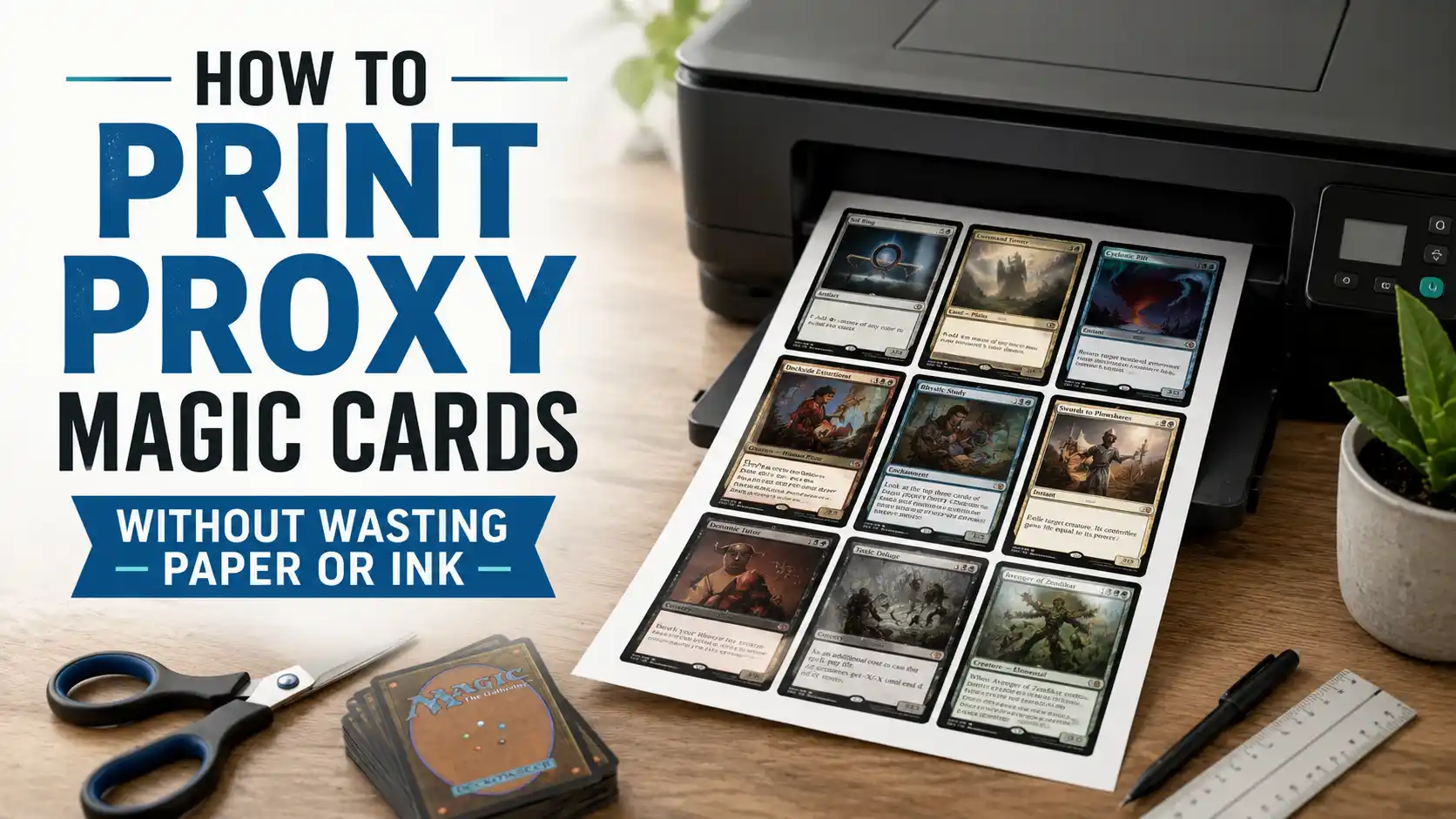
The easiest way to print proxy Magic cards without wasting paper or ink is to plan the print job before touching the printer. Clean up your decklist, remove cards you do not need, print nine cards per page, use plain paper, and sleeve each cutout in front of a real Magic card.
Print one test sheet first. Make sure the card size, color, and text readability are right before printing the whole deck.
Use full-color card images only when they matter. For early playtesting, lower-ink proxies, grayscale sheets, or simple text proxies can save a lot of ink.
Most paper and ink waste happens before the first page comes out.
Someone grabs a decklist, exports the whole thing, prints every card, realizes the size is wrong, prints it again, then notices they included 34 basic lands, 12 cards they already own, and a bunch of tokens they do not need yet.
That is how a “quick proxy deck” turns into a small office supply incident.
Printing proxy Magic cards at home works best when you treat it like a small production job. You are not trying to make perfect collectibles. You are trying to make readable playtest cards that fit in sleeves, shuffle evenly, and let you test a deck without burning through a stack of printer paper.
For casual play and deck testing, this can be very simple. Print the card faces on normal paper, cut them out, and sleeve them in front of basic lands or bulk cards. That gives each proxy the right stiffness without forcing you to print on heavy cardstock.
Before making a PDF, look through the list and remove anything you do not need.
Start with basic lands. Unless the basic land art matters for the test, do not print them. Most players already have plenty of basic lands. Printing 30 to 40 lands in full color is one of the fastest ways to waste ink.
Then check for cards you already own. If you have a Sol Ring, Arcane Signet, Command Tower, or shock land sitting in a binder, use the real card. You can always proxy the expensive or missing cards only.
Also check duplicates. This matters more for 60-card formats than Commander. If you are testing four copies of a card and you already own two, print two. It sounds obvious, but deck exports often make it easy to print the full quantity without thinking.
Finally, decide whether you need tokens. Some decks make several token types, but you may not need all of them for the first test. Use dice, dry erase cards, or spare tokens until you know the deck is staying together.
A cleaned-up proxy list might be 25 cards instead of 100. That is the difference between three sheets and twelve sheets.
A standard Magic card is about 2.5 by 3.5 inches. On standard letter paper, that usually means you can fit nine cards per page in a three-by-three layout.
That is the layout you want in most cases.
Nine cards per page uses paper efficiently while still leaving enough room for trimming. If your layout only prints four cards per page, you are wasting paper. If it tries to cram cards too tightly together, cutting becomes annoying and mistakes become more likely.
A proxy layout tool can help here. MTG Print lets you paste a Magic Arena-format decklist and download a printable PDF with cards laid out for printing, cutting, and sleeving. It also has options like skipping basic lands, which directly helps reduce waste.
If you would rather order cleaner printed proxies for a larger deck or cube instead of burning through home ink, PrintMTG is a practical option. It lets you upload or paste a decklist, choose versions, and have proxy cards printed instead of doing the whole job by hand.
For home printing, though, the nine-per-page setup is usually the sweet spot.
Never print the whole deck first.
Print one page. Cut one card. Sleeve it. Then compare it to the rest of your deck.
Check these things:
This step saves more waste than anything else. A single bad test page is annoying. A full bad deck is worse.
Printer settings are often the problem. Use 100% scale or actual size. Avoid “fit to page” unless the file was designed for that setting. Turn off double-sided printing. Proxies only need the front because the sleeve and backing card handle the rest.
If the card is just a little too large, do not force it into the sleeve. Fix the print settings and try again. A proxy that barely fits will be annoying every time you shuffle.
You do not need fancy paper for most proxy Magic cards.
Plain copy paper is enough for early playtesting. It is cheap, thin, easy to cut, and easy to sleeve in front of a real card. The backing card provides the structure, so the paper does not need to.
If you want a slightly nicer result, 24 lb or 28 lb paper can feel better and hold ink a bit more cleanly. But once you get too thick, the deck starts to feel bulky. Matte photo paper can look good, but it is usually overkill for a test deck and can use more ink.
Cardstock sounds like the obvious choice, but it is often the wrong one for home proxies. It makes the proxy thicker, costs more, and still does not feel like a real Magic card unless you are doing a more involved print-and-cut project.
For the least waste, use normal paper and opaque sleeves.
Full-color proxies look better, but they are not always necessary.
If you are testing a deck for the first time, readability matters more than art. You need to know the name, mana cost, type line, rules text, power and toughness, and maybe the set version. You do not always need the full card image at high saturation.
There are a few ways to save ink:
Print in grayscale for early testing. This is usually enough for combo pieces, lands, and cards you already know.
Use lower-ink or text-only proxies for rough drafts. A card name and rules text inside a simple box can be enough for goldfishing.
Avoid full-art versions for test prints. Full-art lands, showcase frames, and dark alternate-art cards can use a lot of ink.
Use current Oracle text when needed. Scryfall is useful for checking official card names and card text before you print a simplified proxy. Its search tools help you find cards and look up wording without relying on old images or outdated text.
For cards you barely need to read, like fetch lands or mana rocks, you can go very simple. For complicated cards, print a clearer version. Do not save ink at the cost of making the game harder to play.
This is a big one for deck testing.
A deck is rarely final after the first game. You may swap ten cards after one night. If you printed the whole deck in full color, that can feel wasteful fast.
Instead, keep your proxy file modular. Print only the cards that changed. If you are testing a Commander deck, print the uncertain cards first and use real copies for staples you know will stay.
Another good method is to keep a “changes only” list. After testing, write down the cards you are adding and print one small sheet with just those new cards. Do not regenerate and print the entire deck unless the whole list changed.
If you are testing a cube, this matters even more. Cube updates can involve small weekly changes. Print the update pack, not the whole cube.
Bad cutting wastes paper too.
Use a paper trimmer if you have one. Scissors work, but they are slower and less consistent. With a paper trimmer, cut the sheet into long strips first, then cut those strips into individual cards.
This keeps the edges straighter and reduces the chance of accidentally trimming into the card face.
Do not worry too much about rounded corners. Once the paper is inside a sleeve, square corners usually play fine. If the corners catch while sleeving, trim them slightly. A corner rounder is nice, but it is not required.
The goal is not perfection. The goal is consistency. If every proxy is cut roughly the same and backed by a real card, the deck will shuffle normally.
The most efficient home proxy setup is:
Printed paper front
Bulk Magic card behind it
Opaque sleeve around both
This solves several problems at once.
You do not need thick paper. You do not need to print backs. You do not need to match real cardstock. You do not need to worry about the proxy being too flimsy.
Use basic lands, draft chaff, or bulk commons as backing cards. Just make sure every card in the deck is sleeved the same way. A few sleeved paper proxies mixed with unsleeved real cards will feel awful. A fully sleeved deck with consistent backing cards works much better.
Use opaque sleeves. Clear sleeves show the backing card, which can make cards identifiable from the back. Even for casual play, that is not worth the headache.
Home printing is great when you are still making decisions.
It is less great when you need a full cube, multiple Commander decks, or a long-term set of proxies that will see heavy use. At that point, your printer ink, paper, trimming time, and patience all start to matter.
Use home printing for the early phase:
Once you know the list is stable, then decide whether to keep the paper proxies, buy real cards, or order cleaner printed proxies for casual use.
Proxy Magic cards are for casual play, playtesting, cube, and other groups that allow them. They are not for passing off as real cards.
Wizards of the Coast states that sanctioned events require authentic Magic cards, except in narrow cases where a judge issues a proxy for a damaged card during that event. Wizards has also said it does not want to police personal, non-commercial playtest cards outside that sanctioned-event context.
That leaves a clean rule for most players: be honest, ask your group, and do not use proxies to misrepresent what you have.
A good paper proxy is not trying to trick anyone. It is trying to make the game easier to test.
Before you print proxy Magic cards, run through this list:
That checklist will save more paper and ink than any single printer setting.
The cheapest method is to print card fronts on plain paper, cut them out, and sleeve them in front of basic lands or bulk cards. Use grayscale or low-ink versions when you are only playtesting.
Most standard layouts fit nine Magic card proxies on one letter-size page. That gives you a three-by-three grid and keeps the cards close to normal Magic card size.
Use black and white for early testing and color for cards you plan to keep using. For complicated cards, make sure the rules text stays readable either way.
Usually no. Cardstock is thicker and more expensive. Plain paper sleeved in front of a real Magic card is easier, cheaper, and usually shuffles better.
Yes, and you usually should. Print only the cards you are missing, testing, or replacing. There is no need to print basic lands, staples you already own, or cards that are not part of the current test.
No. Home-printed proxy cards are for casual play and playtesting. Sanctioned Magic events require authentic Magic cards, except for judge-issued proxies in specific damaged-card situations.
Wizards of the Coast, “On Proxies, Policy, and Communication.”
MTG Print, proxy decklist PDF printing tool and FAQ.
Scryfall, Magic card search and Oracle text reference.
PrintMTG, proxy card printing and decklist upload workflow.